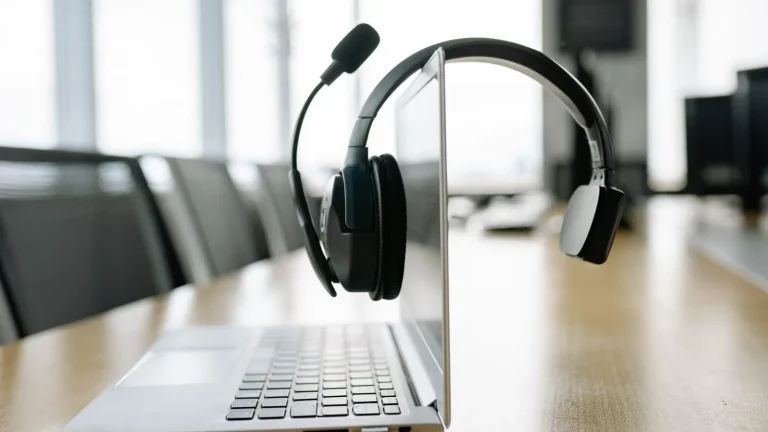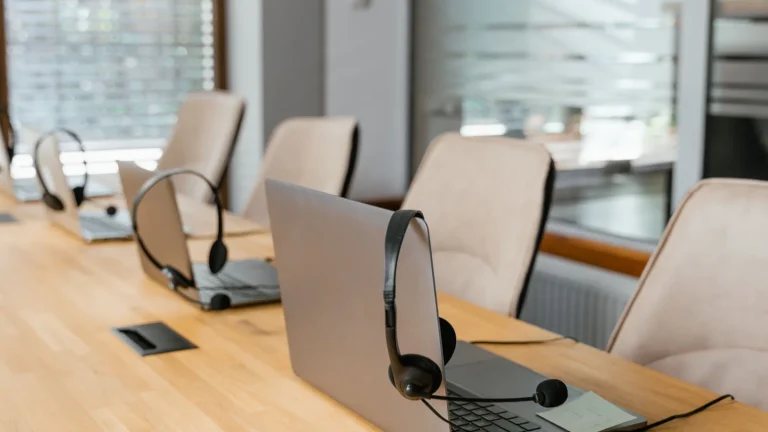

A softphone is a software app that works like a business phone. Installed on a laptop, desktop computer or mobile, or opened in a web browser, it lets you make and receive calls on your business number over the internet, without a physical desk phone.
Softphones are part of most modern cloud phone systems. They suit people who move between the office, home and the road, and they keep your personal mobile number private because callers see your business number instead.
Key takeaways
- A softphone is an app that turns a computer, mobile or browser into a phone on your business phone system.
- Your calls show your business number, and colleagues can transfer calls to you wherever you are working.
- You need a reliable internet connection and, on a computer, a good headset.
- Mobile apps depend on battery, data and the phone’s notification settings, so set them up carefully.
- For emergency calls, dial 000 from your mobile’s normal dialler or a fixed phone, and always be ready to tell the operator where you are.
What is a softphone?
A traditional desk phone is a piece of hardware with a handset and keypad. A softphone does the same job in software. It registers to your business phone system as your extension, so it can ring when someone calls you, make outgoing calls, transfer calls and access voicemail.
Softphones use VoIP (voice over internet protocol), which carries calls as data over your internet connection. If you are new to how that works, our guide to what VoIP is covers the basics.
Desktop, mobile and web softphones
Softphones come in three main forms. Many people use more than one, for example a desktop app at their desk and a mobile app when they are out.
Desktop softphones
A desktop app runs on Windows or Mac. It is the most complete version for office work: you see your contacts, click a number to call it, and often chat with colleagues in the same app. You use it with a headset plugged into your computer.
Mobile softphones
A mobile app on iPhone or Android puts your work phone on your mobile. Calls you make show your business number rather than your personal number, and calls to your extension can ring on your mobile when you are away from your desk.
Web softphones
A web softphone runs in your browser, so there is nothing to install. It is handy on shared or locked-down computers, or when you need to take calls from a machine you do not normally use.
What do you need to use a softphone?
- A reliable internet connection. Voice calls do not need much bandwidth, but they need a steady connection with little delay or dropout. A wired connection is more consistent than Wi-Fi for desktop use.
- A headset. Laptop speakers and microphones pick up echo and background noise. A USB or Bluetooth headset made for calls sounds much better to the person you are talking to.
- A compatible device. A reasonably current computer, mobile or browser that is kept up to date.
- A business phone system that supports softphones. The app is the front end; the phone system handles your number, routing and voicemail.
What are the benefits of a softphone?
Work from anywhere
If you have a good connection, your extension works at the office, at home or on the road. Colleagues transfer calls to you the same way wherever you are, and customers do not need a different number to reach you.
Your business number, not your personal mobile
Using a mobile softphone means your outgoing calls show the business number. Your personal number stays private, and if someone leaves the business, the customer relationships stay with the business number.
Move between devices
Many phone systems let the same extension ring on your desktop app, mobile app and desk phone at once, so you answer on whichever is closest. Depending on the system, you may also be able to move a call from one device to another mid-call.
Presence and team features
Softphones usually show presence: whether colleagues are available, on a call or away. That makes it easier to know who to transfer a call to, and desktop apps often combine calls with contacts and team chat.
What are the limits?
Battery, data and notifications on mobiles
A mobile softphone uses battery and mobile data when you are not on Wi-Fi. More importantly, iPhone and Android both limit what apps can do in the background to save battery. Android’s power-saving features, for example, restrict background network access for idle apps, which is why business phone apps rely on push notifications to wake up for incoming calls. If notifications are turned off, or aggressive battery-saving settings are on, calls may not ring through reliably.
Audio quality depends on your setup
Your call quality is only as good as your headset and your connection. A basic headset, a laptop microphone or crowded Wi-Fi can make you hard to hear, even when the phone system itself is working well.
Emergency calls and location
Only certain VoIP services can call Triple Zero (000), and when you call from a VoIP service the operator will ask for your location because you may not be at your home or billing address, according to the ACMA. With a softphone this matters more, because the address on record for your business number may be your office, not where you are working today.
For emergencies, dial 000 from your mobile’s normal phone dialler or a fixed line, not a softphone app, and be ready to tell the operator exactly where you are. The ACMA also notes that most NBN services will not work in a power outage, so keep a charged mobile handy.
Softphone or desk phone?
Most businesses end up with a mix. Here is how they compare:
| Softphone | Desk phone | |
|---|---|---|
| Hardware | Your existing computer or mobile, plus a headset | A dedicated IP phone on the desk |
| Where it works | Anywhere with a good internet connection | Usually one desk, on the office network |
| Audio quality | Depends on your headset and connection | Consistent, with a proper handset and speakerphone |
| Reliability | Can be affected by device updates, battery and notification settings | Always on and ready to ring |
| Busy phone users | Good with a quality headset | Often preferred, especially with many transfers or a reception role |
| Best for | Hybrid and mobile staff, occasional phone users | Reception, front counters and heavy phone users |
If you are deciding what hardware to put in the office, our comparison of cordless DECT and desk phones covers the options for people who need something physical.
Tips for setting up a softphone well
- Use a proper headset. A USB or Bluetooth headset designed for calls, with noise cancelling if you work in a busy space. Browse our range of headsets for options that suit office and hybrid work.
- Plug in where you can. For desktop softphones, a wired network connection is more consistent than Wi-Fi. If you use Wi-Fi, sit close to the access point.
- Check mobile notification and battery settings. Allow notifications for the app, and exclude it from battery optimisation or power-saving modes that stop it running in the background.
- Test before relying on it. Make and receive a test call on each device, including with your mobile locked and the app closed.
- Check your network. Routers with settings like SIP ALG turned on can cause one-way audio and dropped calls. Ask your provider or IT support to check this before you rely on softphones.
CloudLine’s softphone apps
Our Hosted PBX includes apps for desktop, mobile and web. The desktop app runs on Windows and Mac, with click-to-call, contacts and chat. The mobile app runs on iPhone and Android, and callers see your business number, not your personal mobile. The web app runs in your browser with nothing to install. Each call uses less than 100 kbps each way, so most business internet connections can carry several calls at once.
The mobile app also helps if your office internet goes down: your team can keep taking calls on the mobile app over mobile data, and calls can divert to mobiles or another number. Because we are part of an IT company, we can check your network and firewall before you switch. Headsets and desk phones are available in our shop.
Frequently asked questions
What is the difference between a softphone and a VoIP app?
They are largely the same thing. A softphone is a VoIP app that registers to a business phone system as your extension, so it can use your business number, transfers and voicemail.
Can you use a softphone on your personal mobile?
Yes. That is a common way to use one. Calls you make through the app show your business number, so your personal number stays private.
Do you need a headset for a softphone?
On a computer, yes, for anything more than the occasional call. A headset reduces echo and background noise, and makes you much easier to hear.
Can you call 000 from a softphone?
Only certain VoIP services can call 000, and location information may not match where you are. For emergencies, use your mobile’s normal dialler or a fixed line and tell the operator your location.
Will a softphone work if my internet is down?
A desktop or web softphone needs an internet connection. A mobile app can keep working over mobile data, which is a useful backup when the office connection drops.
If you would like your business number on your laptop and mobile, have a look at our Hosted PBX, request a quote, or call 1800 256 830 to talk it through.